
Zombie AI Generator. Choose your Zombie AI Video story.
Turn your photos into the viral TikTok zombie love story or explore transformation, pet and Halloween templates. Generate a 15-second AI video clip in one click.
Video generator
My videosTwo portraits. One last embrace.


Choose your story
Guide
Zombie Love Story
A zombie lunge cuts into a joyful memory of the two of you.
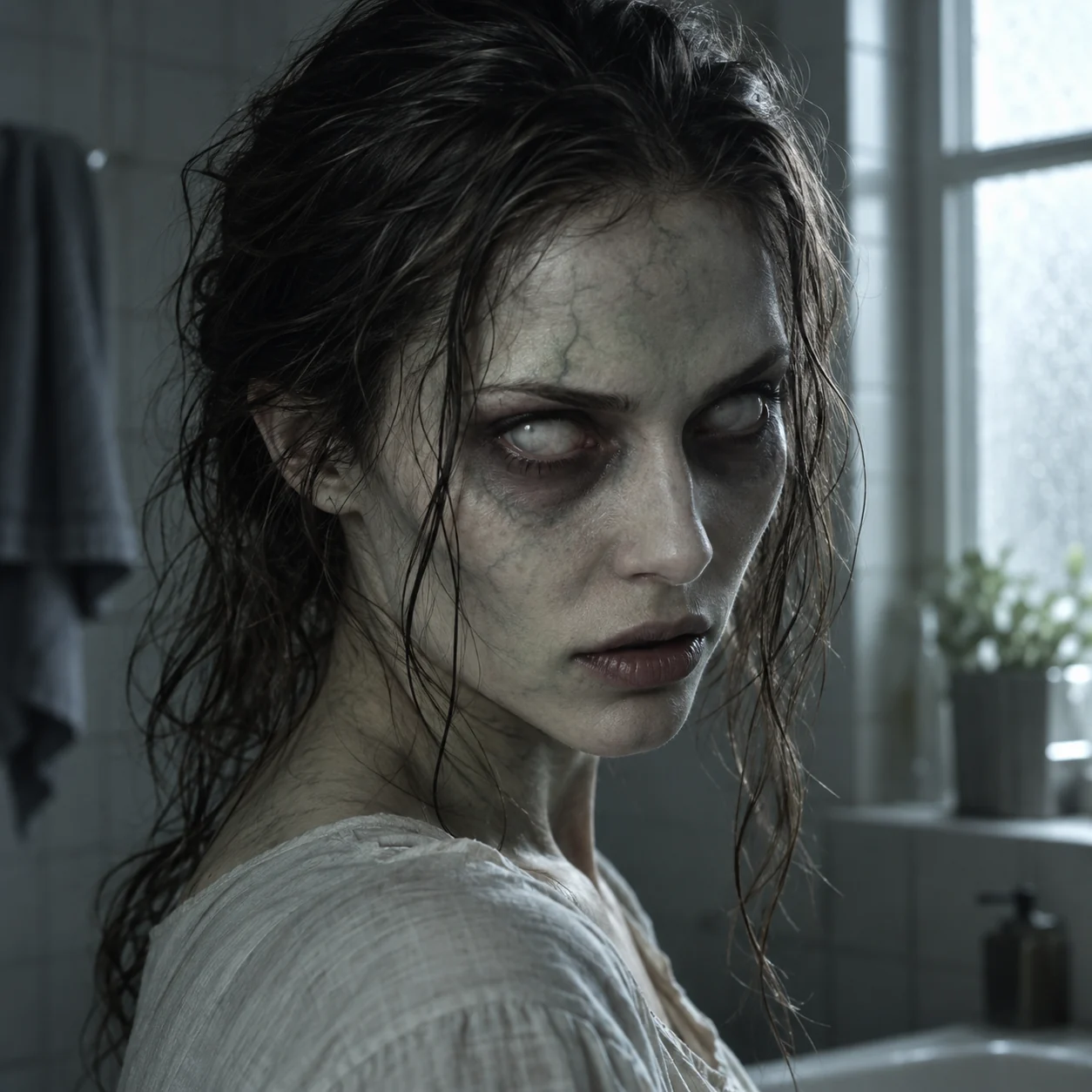
Zombie Transformation
A healthy portrait gradually changes into a movie zombie.

Zombie Pet
Your dog or cat recognizes a toy, then returns in a sunny memory.

Zombie Apocalypse
Escape a deserted city, then discover your own infection.
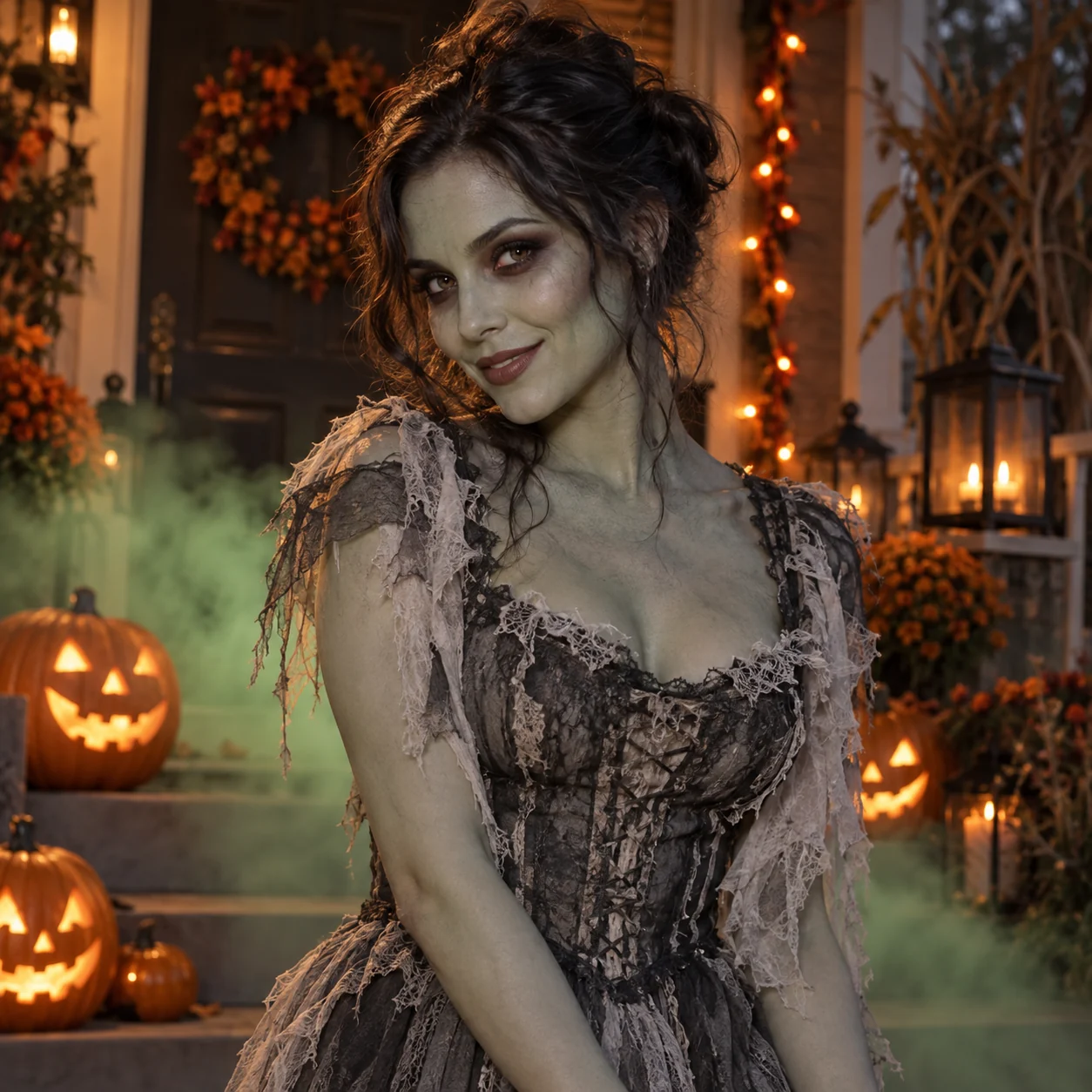
Halloween Zombie
Pumpkin lights and stage fog reveal a playful zombie look.

Halloween Costume
Four outfits: witch, vampire, skeleton and pirate, on the same person.
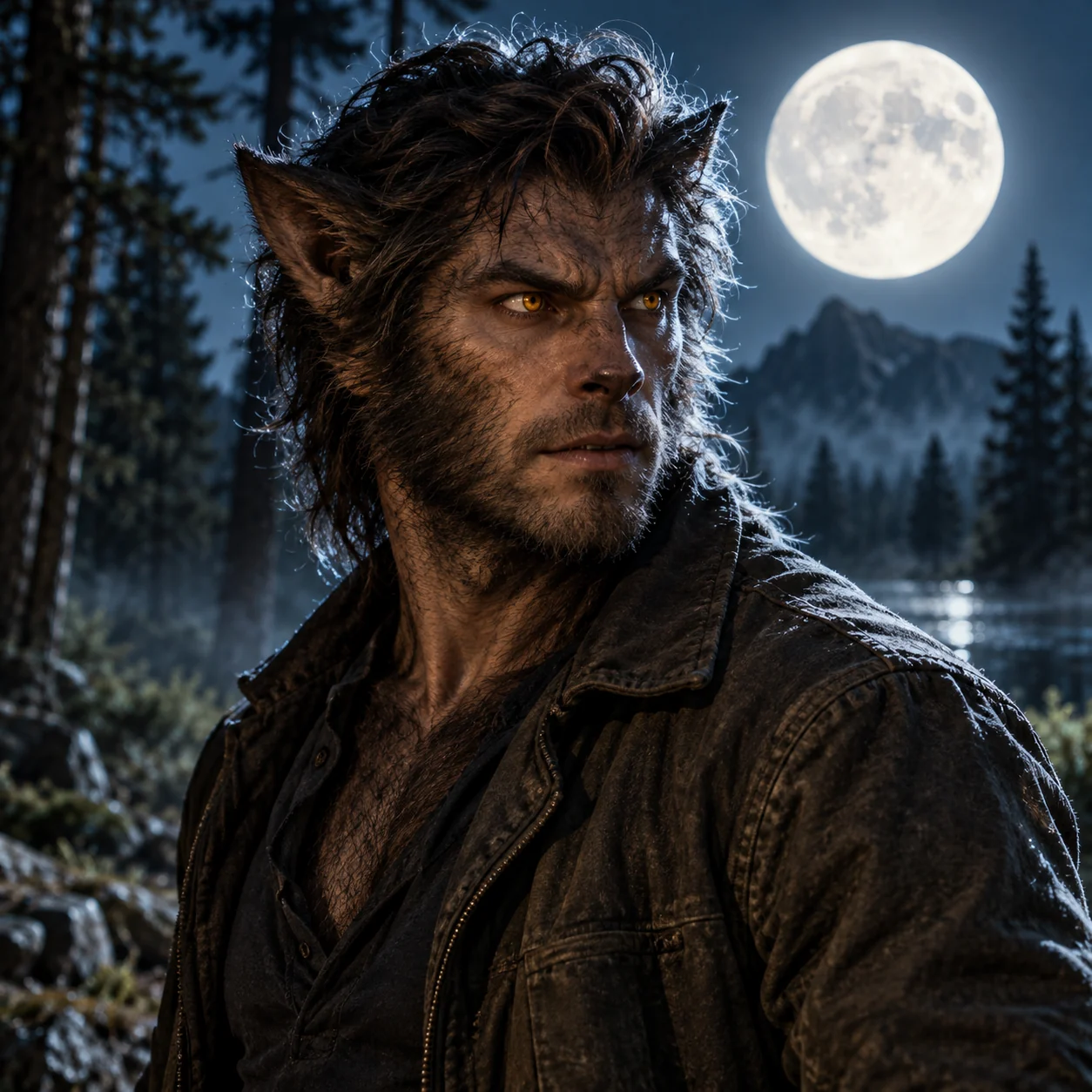
Werewolf Transformation
Moonlight, amber eyes and fur build into an upright werewolf.

AI Hug
Two adults meet on a sunlit path and share a gentle hug.

Rumpelstiltskin Tiptoe
Become a fairy-tale imp and tiptoe beside a spinning wheel.
Better photos, clearer characters.
Clear, well-lit references make it easier to recognize your subjects in the result.
More photo tips- Keep the face visible
- Keep eyes and facial features visible. Use a two-person photo only for a template that supports it; otherwise keep one person or pet in each image.
- Choose soft, even light
- Avoid blur and deep shadows across the face. No zombie makeup needed.
- Keep identifying details in frame
- Include the hair and shoulders for portraits, ears and coat markings for pets, and more of the body for costume or dance templates.
JPG, PNG or WebP · Up to 10 MB each · Minimum 256 × 256 px · Maximum 40 MP
Know what you’re creating.
A 15-second, 768P video using MiniMax H3 and a built-in story. No prompt needed.
- Each generation varies
- Likeness, anatomy, movement and scene timing can vary by template. A new generation creates a new result rather than correcting the previous one.
- Pay with credits
- Sign in before uploading. Each generation costs 10 credits. No subscription or credit expiry; confirmed generation failures return the credits.
- Review before sharing
- Check the subject, movement and audio, then download the MP4 from My videos. You can add captions or music in your editor or social app. Troubleshooting guide
Credits for your next story.
Choose your credit pack and pay once. No subscription, no expiry. See the credit cost before each generation.
Plus
A small pack to explore your ideas.
- 30 credits
- One-time payment
- Credits never expire
Pro
More credits for regular creating.
- 70 credits
- One-time payment
- Credits never expire
Ultra
Our best value per credit for bigger creative plans.
- 200 credits
- One-time payment
- Credits never expire
Frequently Asked Questions
No free video generation. Each video costs 10 credits; packs start at $9.99. Larger packs lower the cost per video. Credits never expire and there is no subscription.
Solo effects use one adult photo. Love Story and Hug support two separate portraits or one photo of two adults. Pet uses one dog or cat photo, with an optional adult owner photo. The guide lists each input variant and its role order.
Use sharp photos with even light and unobstructed faces. Avoid sunglasses and heavy filters. For two-person photos, both faces should be clear; for pets, show the eyes, ears and markings. Costume and dance templates benefit from an upper-body or full-body reference.
Sign in with Google or email before uploading. Videos and credits belong to that account. Download finished videos to keep your own copy.
Timing depends on the queue and processing. Follow the status on your video task; finished videos appear in My videos. Keep the existing task if confirmation is pending rather than submitting again.
You receive a 768P HD MP4 download. Choose 9:16 vertical format (optimized for TikTok, Instagram Reels, and YouTube Shorts) or 16:9 landscape. It is ready for immediate download and upload to social platforms.
The script requests ambient sound, not a background song. Audio can vary. Listen before posting and add music you have permission to use in your editor or social app.
Credits return when generation is confirmed failed. A slow queue, lost connection or playback error does not by itself confirm failure. A new generation uses credits again.
Ready to make your video?
Choose a template, add your photos and make it yours.