
Zombie Transformation AI Video Generator
Turn one portrait into a 15-second zombie transformation video. Choose a gradual washroom transformation or a playful Halloween reveal.
Video generator
My videosLet the change tell the story.
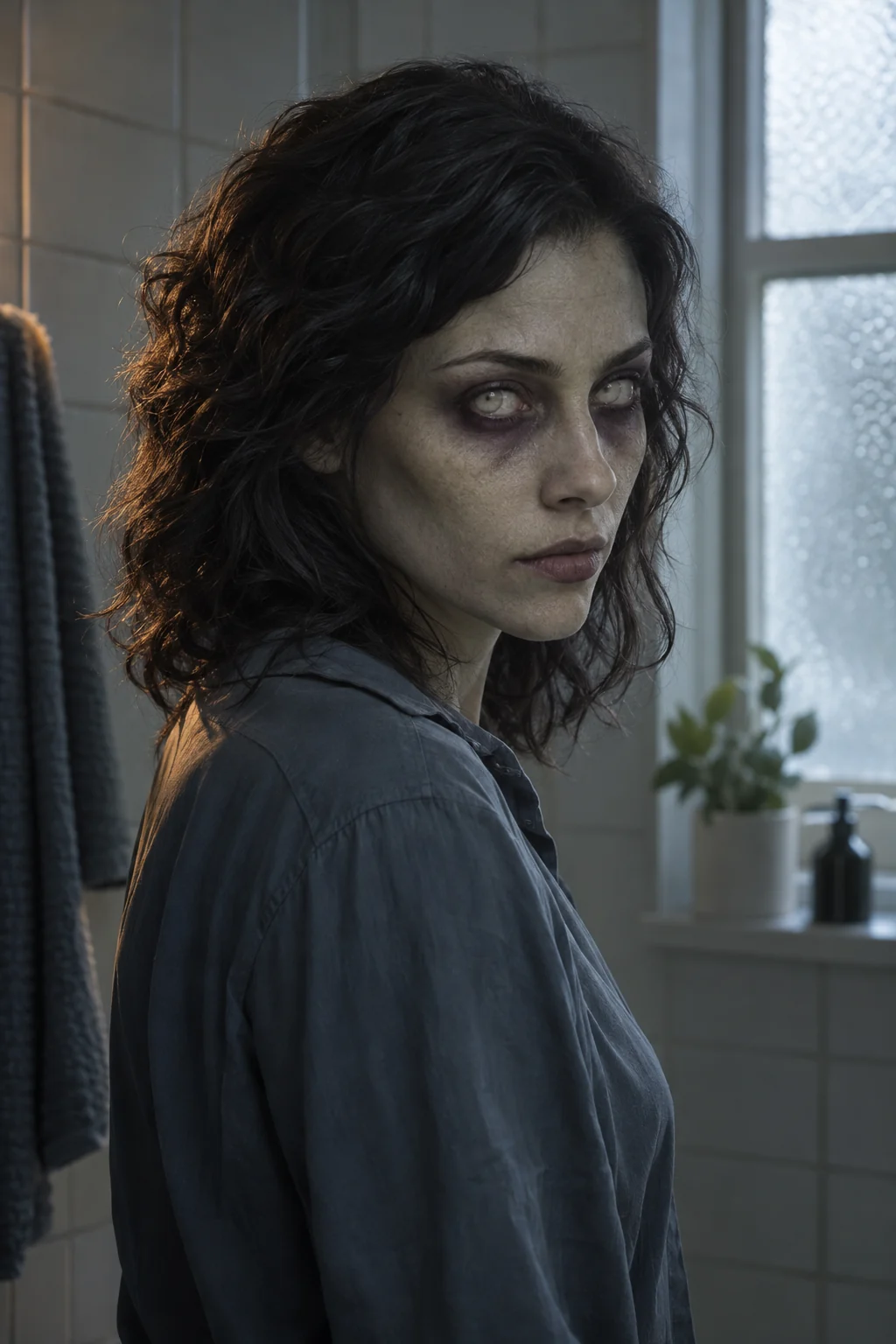
The transformation starts with a healthy, recognizable face. Skin tone shifts, the eyes cloud over and the posture becomes rigid. The face—not a chase, a crowd or a sudden cut to a different monster—is the centre of this scene.
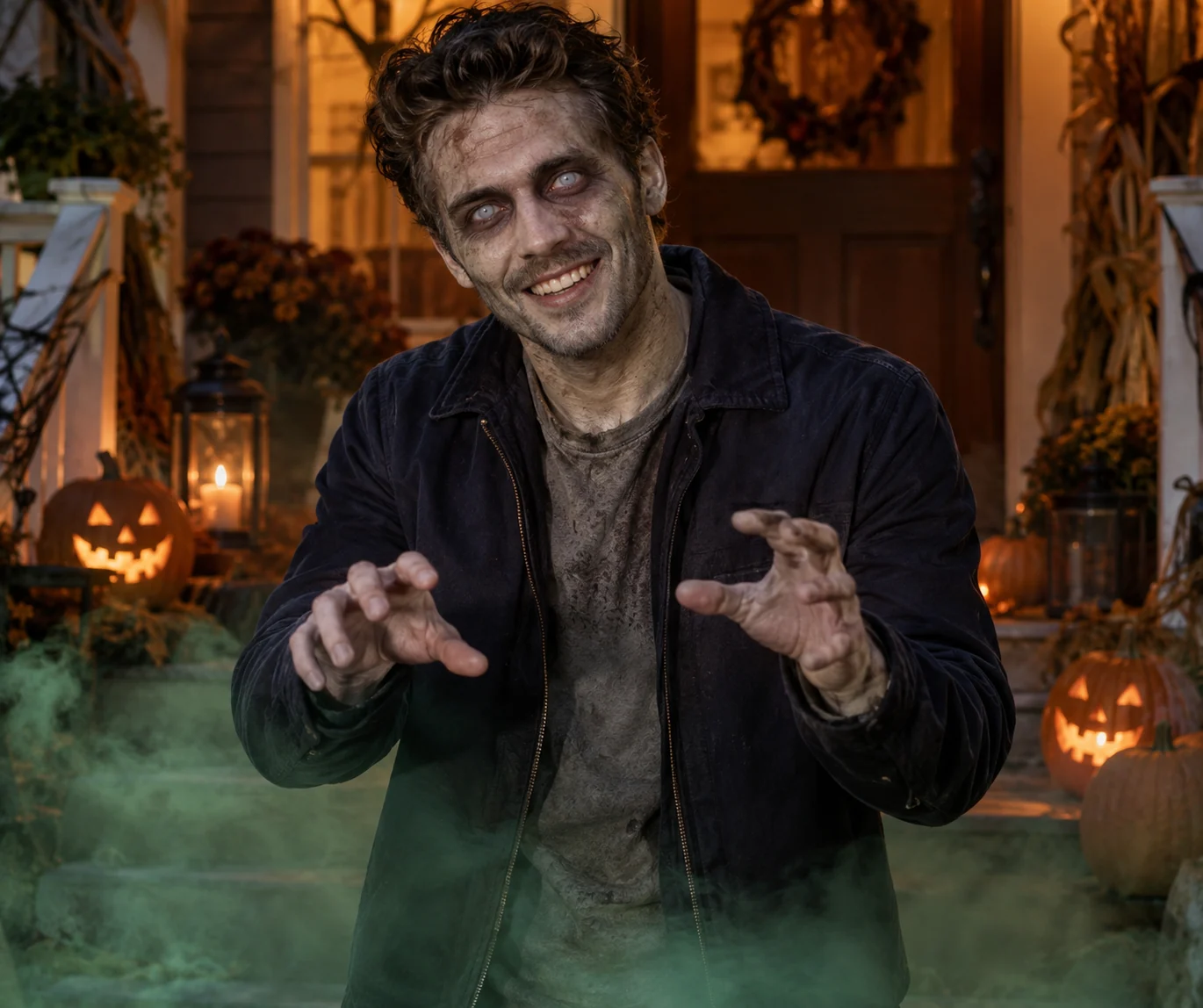
Prefer a little mischief to a full transformation?
Choose Halloween Zombie for a porch scene with warm pumpkins and stage fog. A clean reveal introduces the makeup, followed by a theatrical zombie pose and a grin. It changes the mood as well as the setting: festive, playful and easy to pair with a seasonal post.
- The ordinary moment
- A softly lit washroom gives the portrait a calm starting point. A small head movement makes the change easier to follow.
- The change takes hold
- The camera moves closer as colour drains, dark eye sockets deepen and the eyes grow pale.
- The finished look
- A restrained head tilt and rough exhale complete the transformation. The ending stays on the new appearance.
Start with a face the camera can read.
Read the photo & generation guideUse one adult in the photo, with both eyes, forehead and jaw clearly visible. A straightforward portrait gives the makeup room to develop.
Choose even daylight or soft indoor light. Deep shadows and strong beauty filters remove the facial detail the scene needs.
Keep the head and shoulders in frame. Avoid sunglasses, face-covering props and a crop that cuts through the chin.
Before you create
It creates a 15-second video from your reference photo, with directed motion and generated sound. You do not need to film a performance or write a prompt.
Choose Zombie Transformation for a gradual, ominous change in a washroom. Choose Halloween Zombie for a playful makeup reveal on a decorated porch.
The gradual scene keeps the reference clothing. The Halloween scene gives the outfit a dusty finish while preserving the recognizable face and hair.
Watch whether your face stays recognizable, whether the eyes and skin change clearly, and whether the ending holds the transformed look. Review the sound before posting.
Try another story
All templates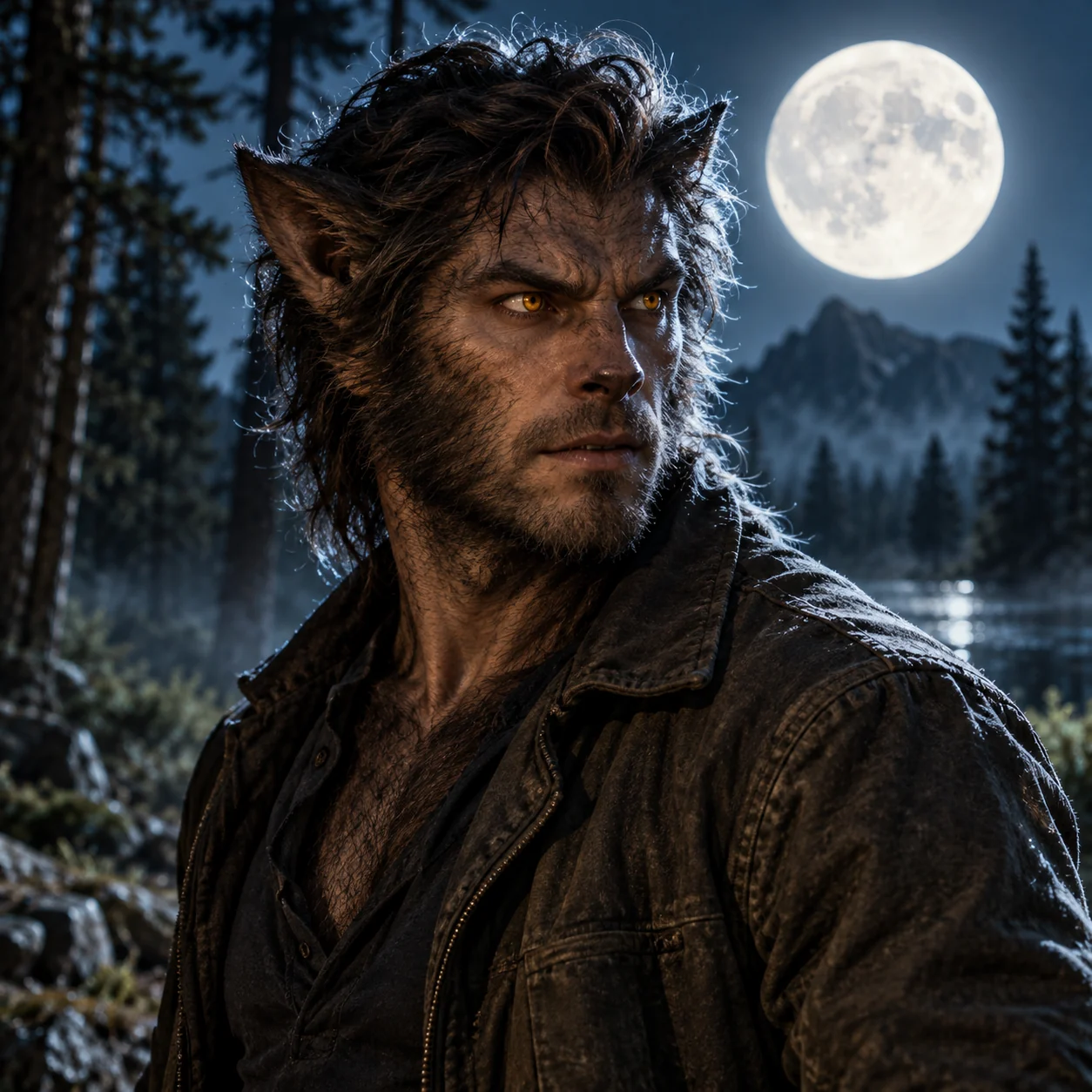
AI Werewolf Transformation Video Generator
Turn an adult portrait into a moonlit werewolf transformation video: amber eyes, growing fur and a final upright howl. 15 seconds, 768P.
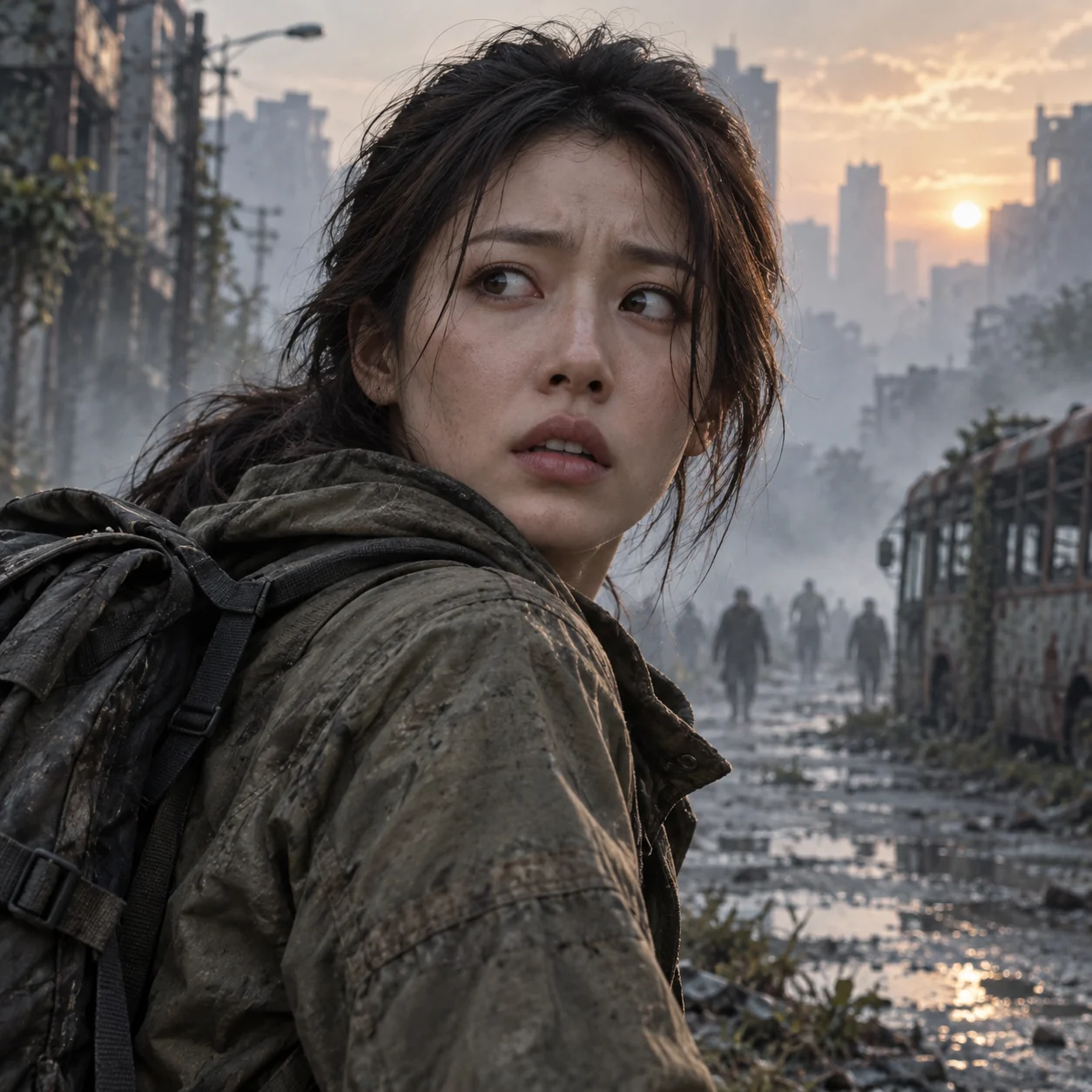
Zombie Apocalypse AI Video Generator
Put yourself in a 15-second city escape: deserted streets, distant zombies and an infection reveal. Start with one adult photo.
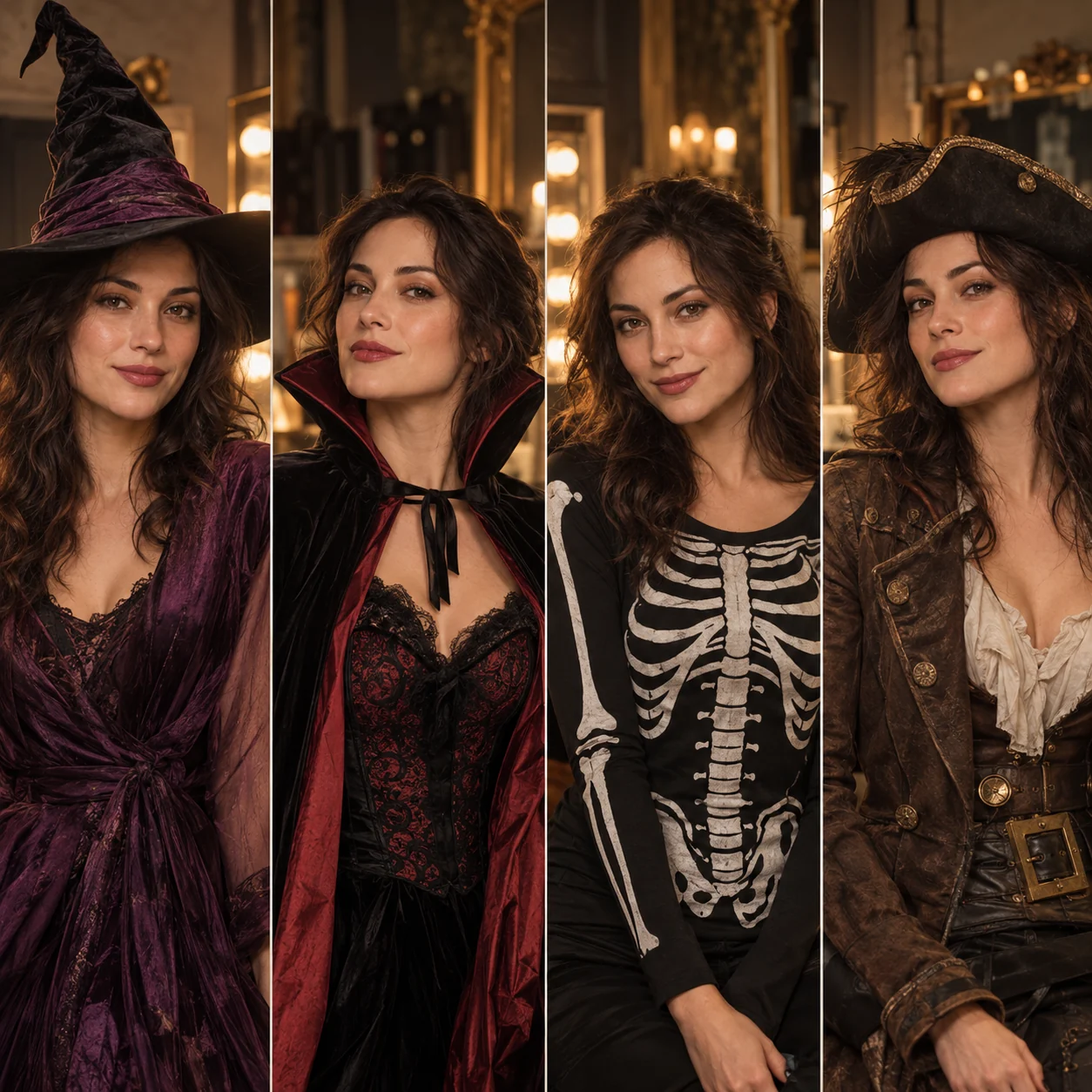
AI Halloween Costume Video Generator
Try four Halloween looks in one 15-second video: witch, vampire, skeleton-print suit and pirate. Upload one adult photo.
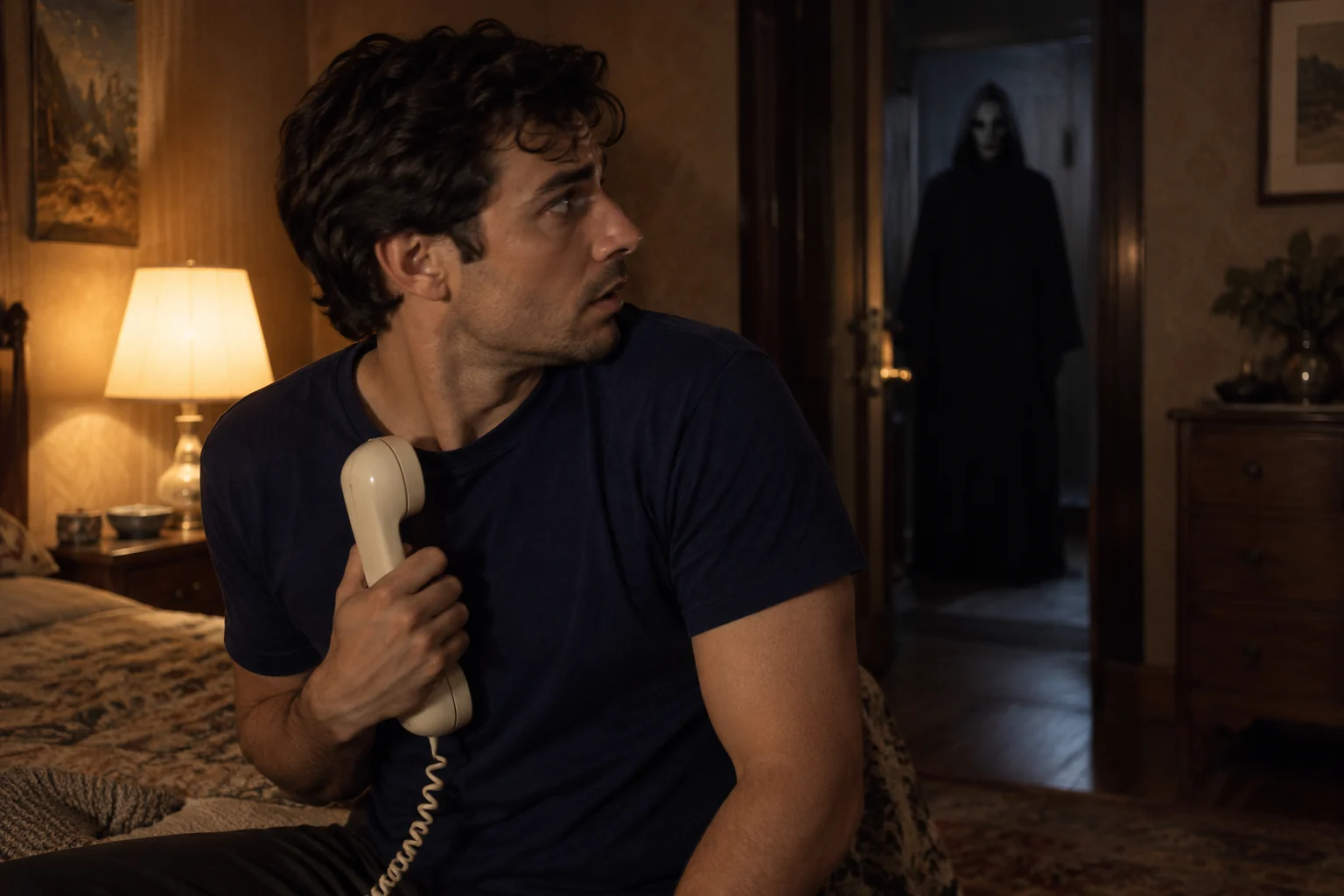
Retro Horror AI Video Generator
Create a 15-second Ghostface-style suspense scene from one adult portrait: a corded phone, a 90s bedroom and a masked figure in the doorway.
From an idea to your own short film.
Bring the right photos. The scene, pacing and sound are already directed.