
Zombie Transformation AI & Halloween Zombie AI Video Generator
Turn one portrait into a 15-second Zombie Transformation AI video. Choose a gradual washroom change or a festive Halloween Zombie AI reveal.
Create your storyCast your story
My videosHow the Zombie Transformation AI scene develops.
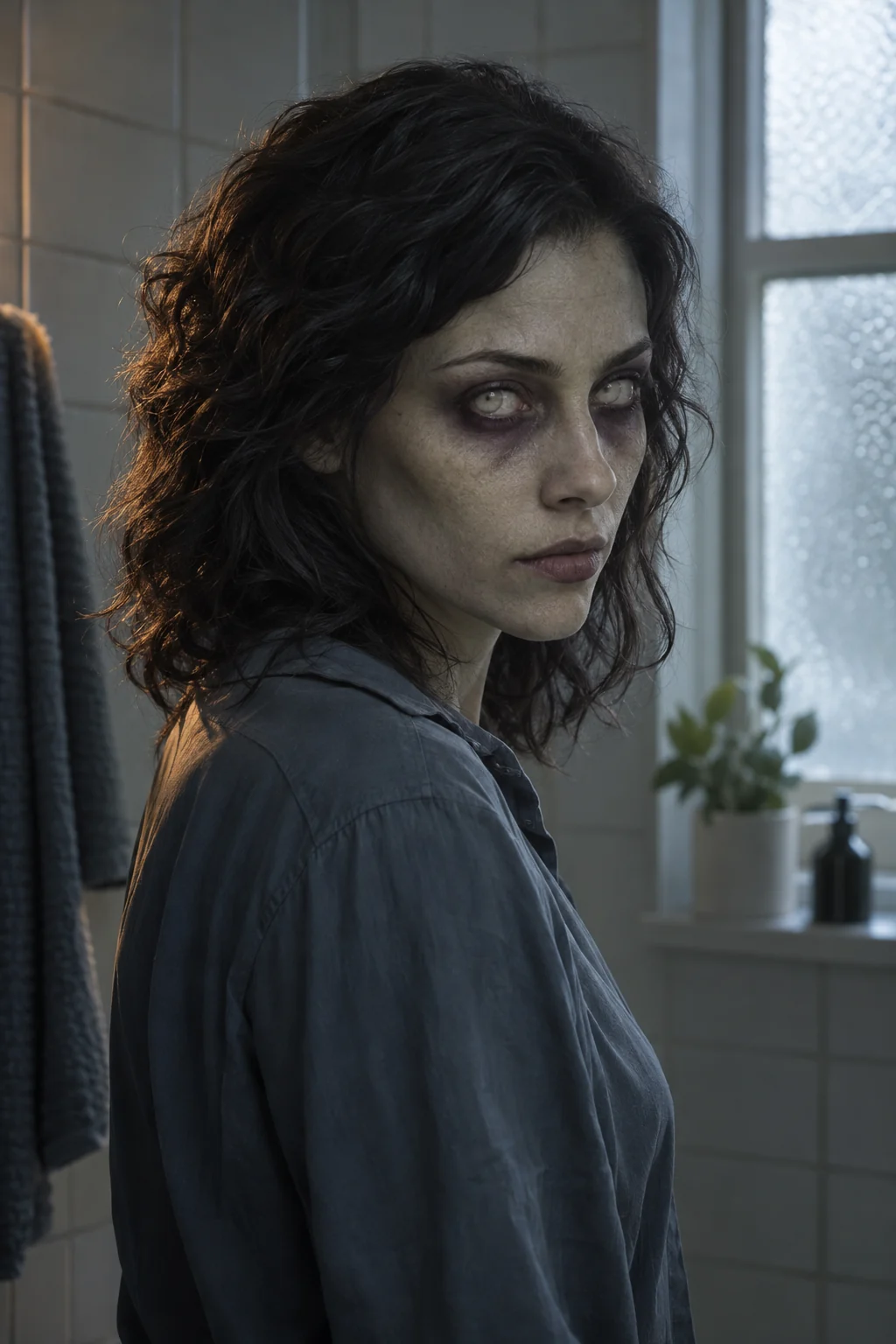
The Zombie Transformation AI effect begins with your natural, recognizable face. Skin tone shifts, dark eye sockets deepen and posture stiffens into a viral undead look. For seasonal fun, switch to Halloween Zombie AI for a lighter post.
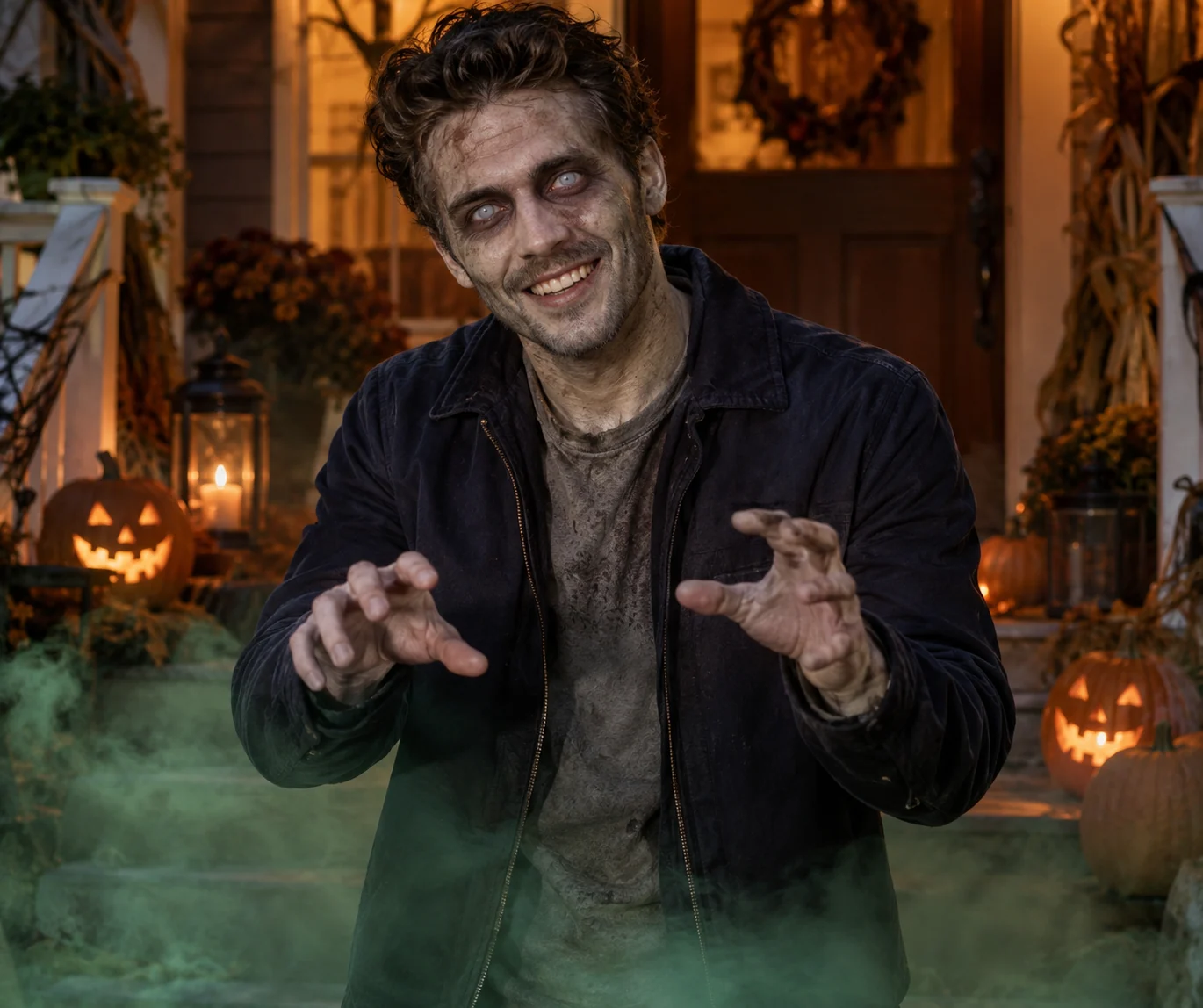
Prefer the playful Halloween Zombie AI style?
Choose the Halloween Zombie AI template for a decorated porch scene with warm pumpkins and stage fog. The Halloween Zombie AI reveal introduces theatrical makeup and a playful grin, perfect for a viral seasonal post.
- The ordinary moment
- A softly lit washroom gives the portrait a calm starting point. A small head movement makes the change easier to follow.
- The change takes hold
- The camera moves closer as colour drains, dark eye sockets deepen and the eyes grow pale.
- The finished look
- A restrained head tilt and rough exhale complete the transformation. The ending stays on the new appearance.
Start with a face the camera can read.
Read the photo & generation guideUse one adult in the photo, with both eyes, forehead and jaw clearly visible. A straightforward portrait gives the makeup room to develop.
Choose even daylight or soft indoor light. Deep shadows and strong beauty filters remove the facial detail the scene needs.
Keep the head and shoulders in frame. Avoid sunglasses, face-covering props and a crop that cuts through the chin.
Before you create
It creates a 15-second video from your reference photo, with directed motion and generated sound. You do not need to film a performance or write a prompt.
Choose Zombie Transformation AI for a gradual, eerie washroom shift. Choose Halloween Zombie AI for a festive, playful makeup reveal with glowing pumpkins.
The gradual scene keeps the reference clothing. The Halloween scene gives the outfit a dusty finish while preserving the recognizable face and hair.
Watch whether your face stays recognizable, whether the eyes and skin change clearly, and whether the ending holds the transformed look. Review the sound before posting.
Try another story
All templates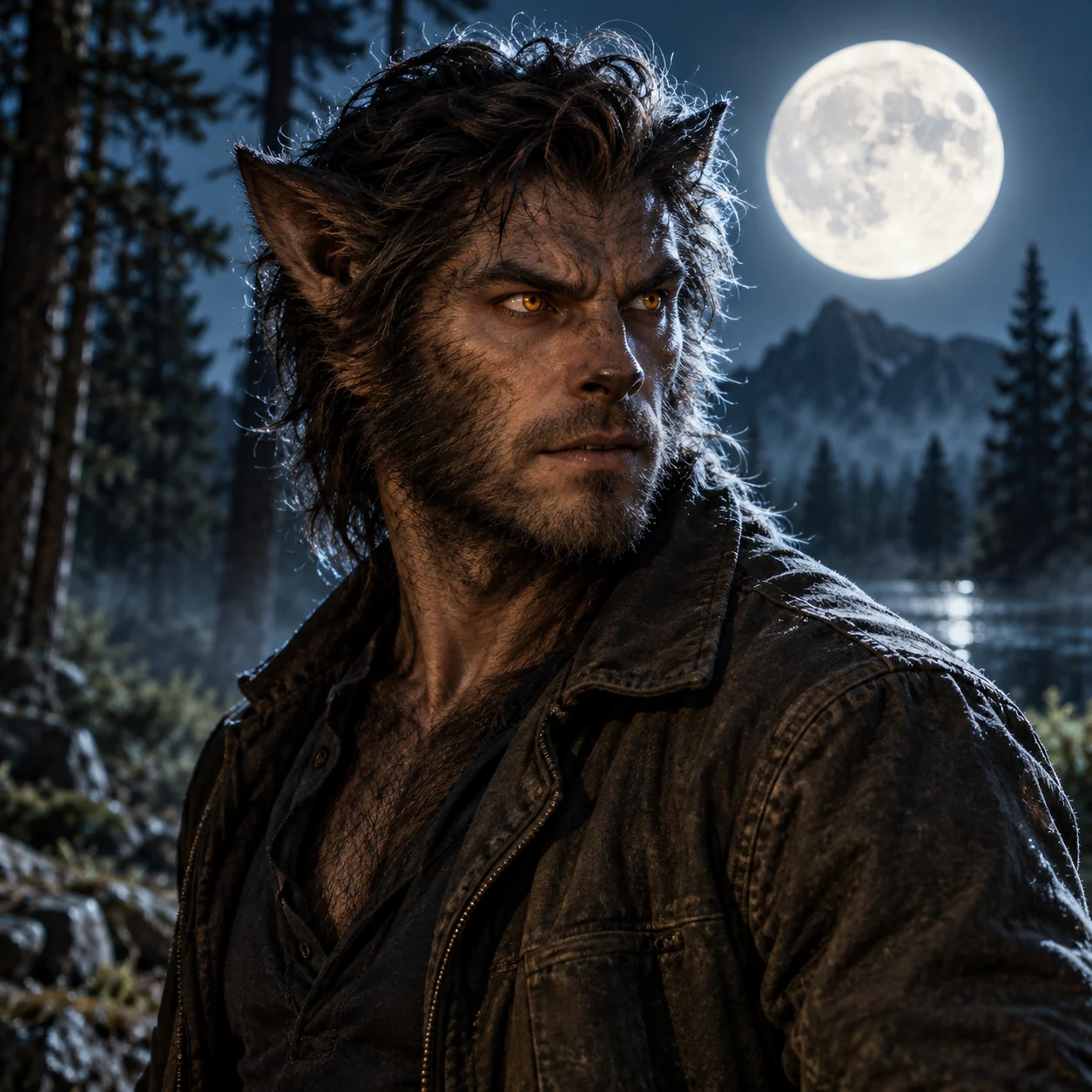
AI Werewolf Transformation Video Generator | Moonlit Wolf Effect
Turn an adult portrait into a viral 15-second AI werewolf transformation video: amber eyes, growing fur and a final upright howl in 768P.
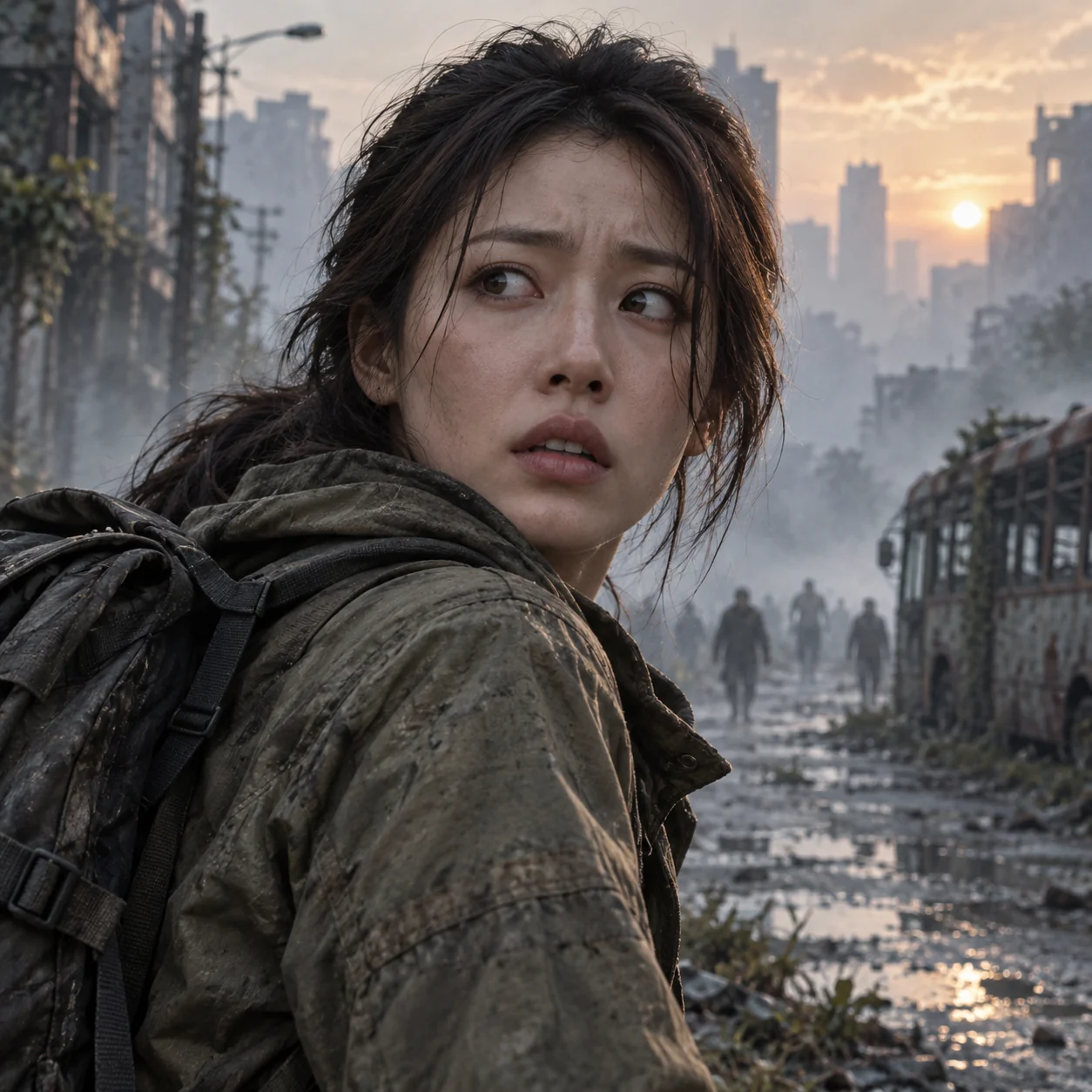
Zombie Apocalypse AI Video Generator | Urban Survival & Twist
Star in your own 15-second Zombie Apocalypse AI video: deserted streets, distant walkers and an infection twist. Generate in 768P from one photo.
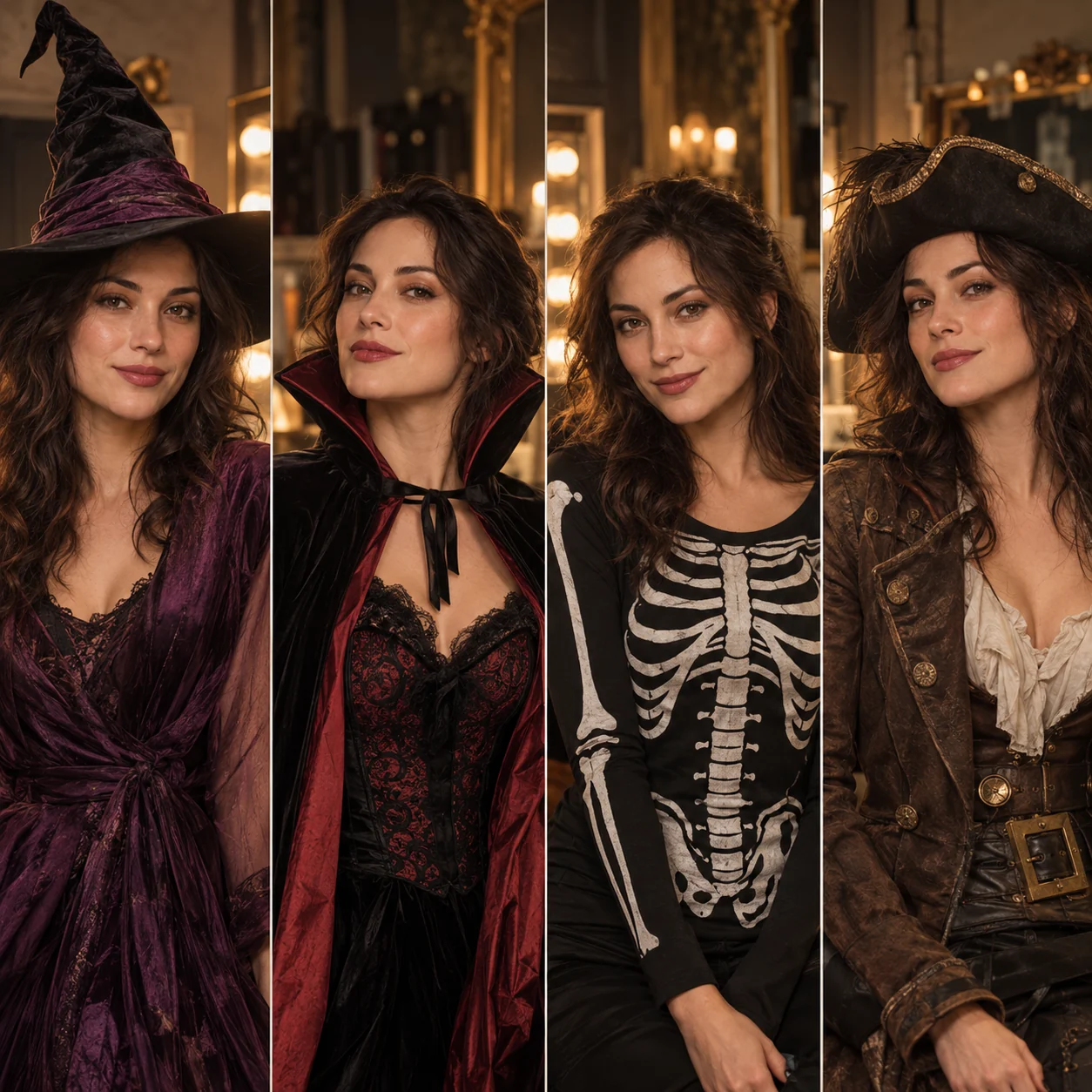
AI Halloween Costume Video Generator | 4 Looks in One Video
Try four viral looks with the AI Halloween costume video generator: witch, vampire, skeleton suit and pirate from one photo. 15 seconds, 768P.
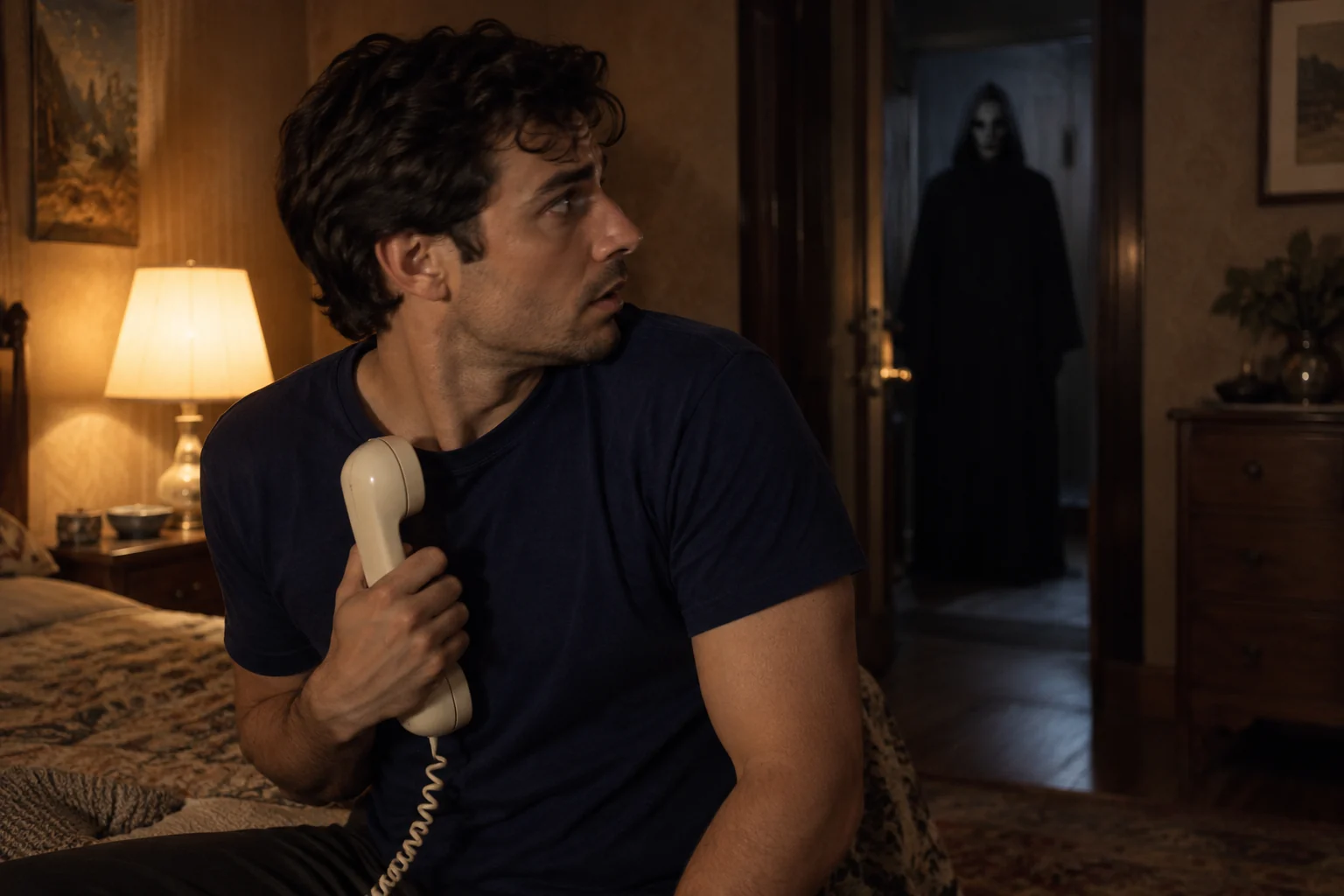
Ghostface AI Video Generator | Retro Horror Suspense Scene
Create a viral 15-second Ghostface AI suspense scene from one photo: answer the 90s corded phone as the masked Ghostface figure appears behind you.
From an idea to your own short film.
Bring the right photos. The scene, pacing and sound are already directed.