
AI Duo Performance Video Generator
Turn two adult portraits into a 15-second scene. Choose the Alors on Danse white-studio duet or the Raindance sunset-pier serenade.
Video generator
My videosThe scene determines the roles.
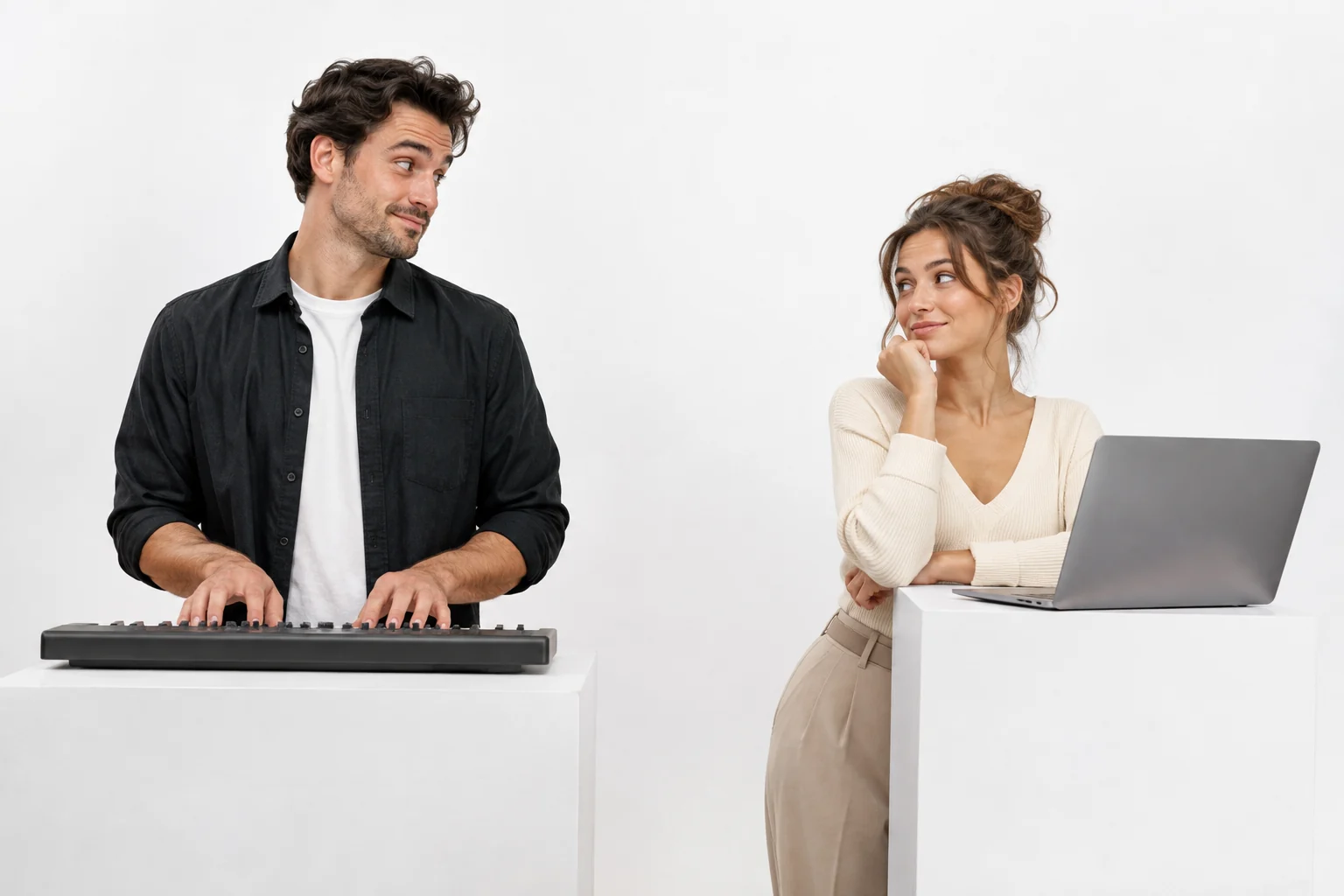
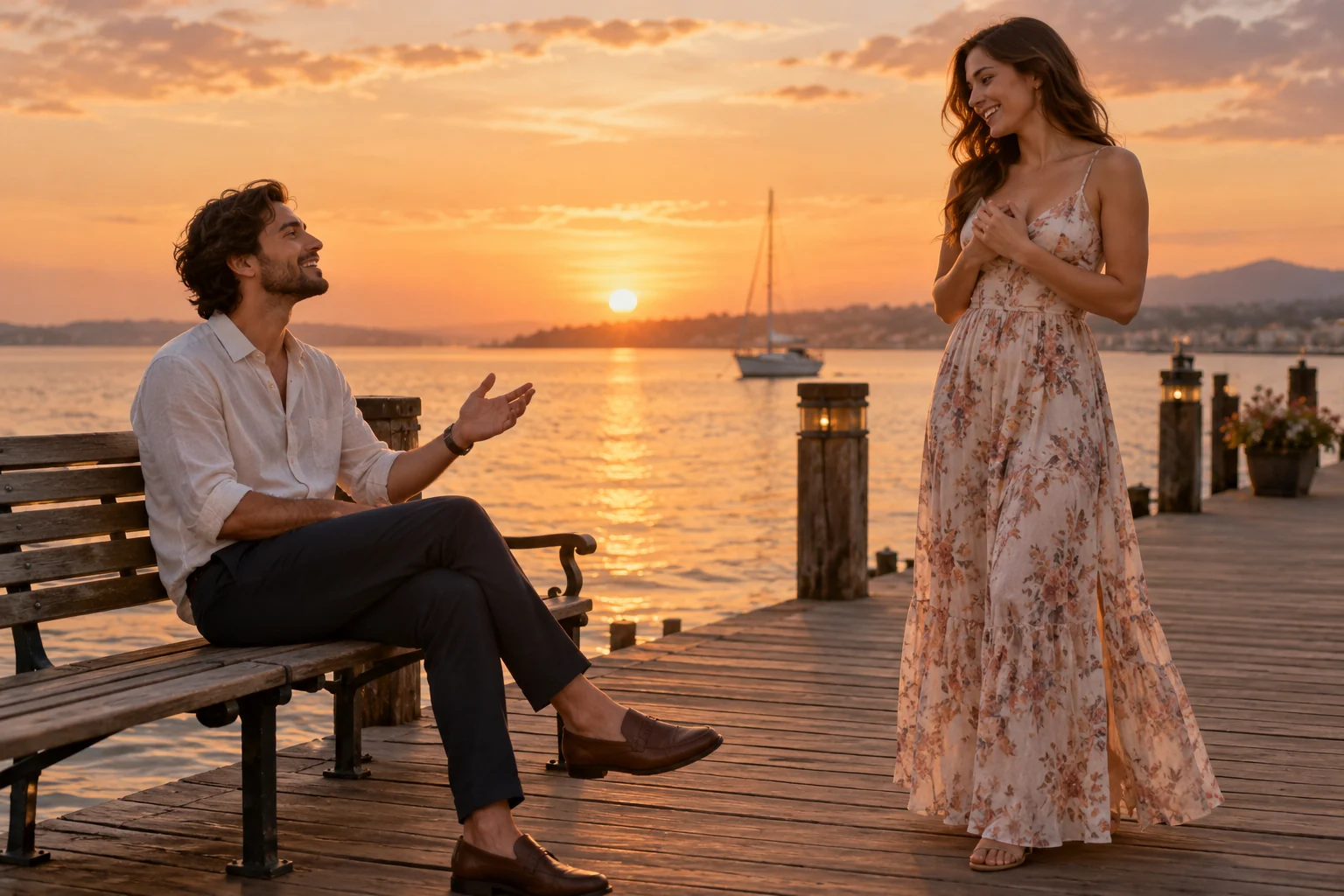
Both options use two separate adult photos, but the casting is different. The white studio places a keyboard player on the left and a laptop partner on the right. The pier places one person on a bench and brings the other toward them for a gentle wordless serenade.
A shared frame does not mean identical roles.
The studio option relies on timing between two playful performers. The pier option relies on approach, attention and a quieter ending. Keeping them together makes the choice about mood, while the photo requirements remain two distinct adult identities. Swap the photos if you want to reverse who plays which role.
- Alors on Danse: studio duo
- Photo 1 plays the keyboard on the left. Photo 2 gestures beside the laptop on the right, then both share small side-steps.
- Raindance: sunset pier
- Photo 1 waits on the bench. Photo 2 approaches and hums, before the pair sit together overlooking the water.
- Choose before you upload
- The generator's photo labels follow the selected scene. Assign the two portraits to those roles before starting.
One clear person in each photo.
Read the photo & generation guideUse two separate adult portraits, not a group photo. Keep both faces unobstructed and large enough to read.
Aim for comparable framing and light. The photos can have different backgrounds; the selected scene supplies the setting.
Check the labels: keyboard and laptop for the studio, waiting partner and approaching performer for the pier.
Before you create
These two scenes require two separate photos, one adult per image. The Hug page supports a shared two-person photo.
The setting, actions, audio and photo roles change. Select the scene first, then upload the portraits into the labelled slots.
The studio uses an original electronic instrumental. The pier uses gentle wordless humming, water ambience and a soft instrumental accompaniment.
The current workflow takes two images. Movement is directed by the selected scene, with no reference-video upload.
Try another story
All templates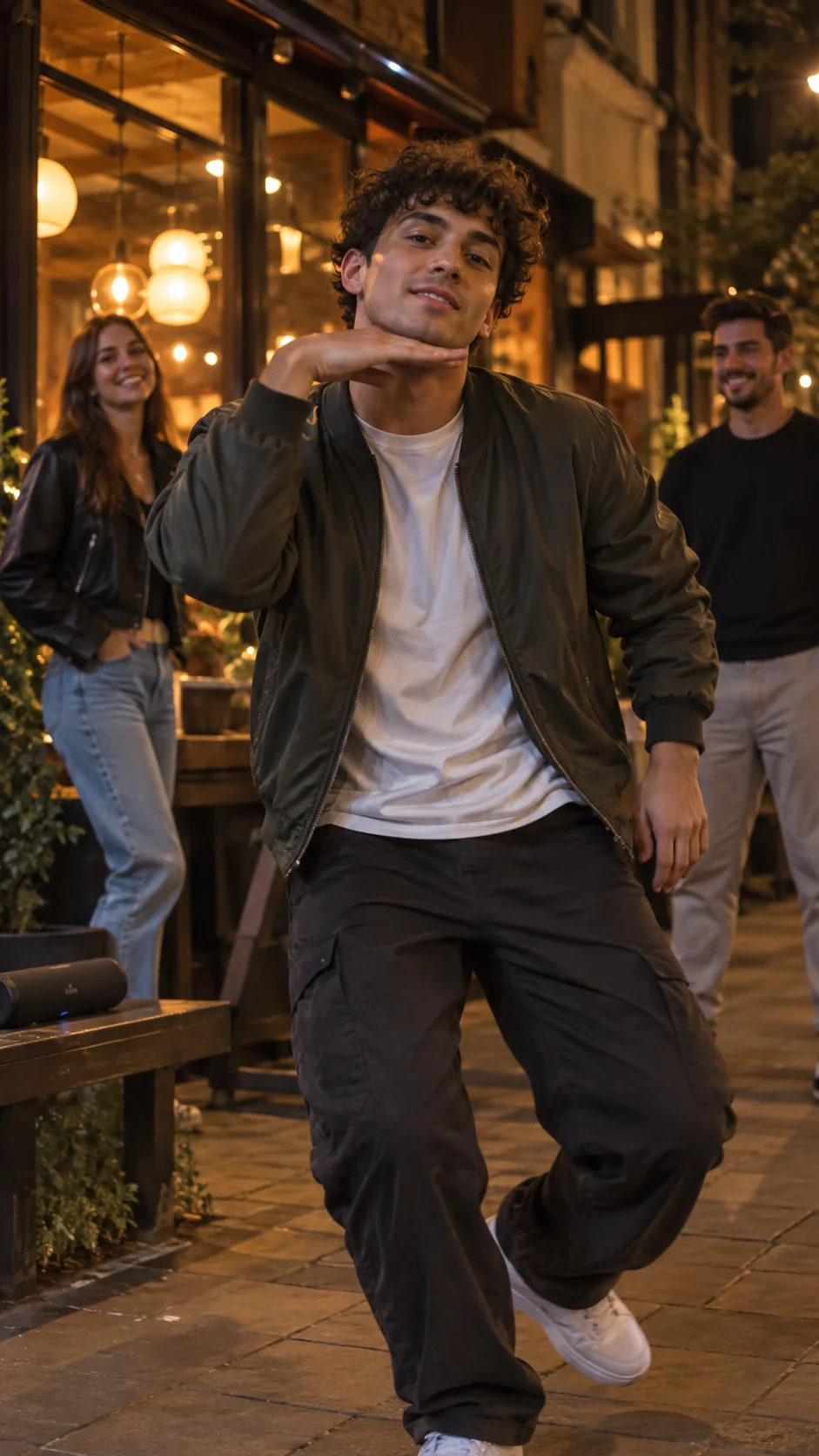
AI Music Performance Video Generator
Make a 15-second performance from one adult photo. Choose Bulin 47 street rap with a short Spanish verse, or a Burning Bridges chandelier-party dance.
AI Hug Video Generator from One or Two Photos
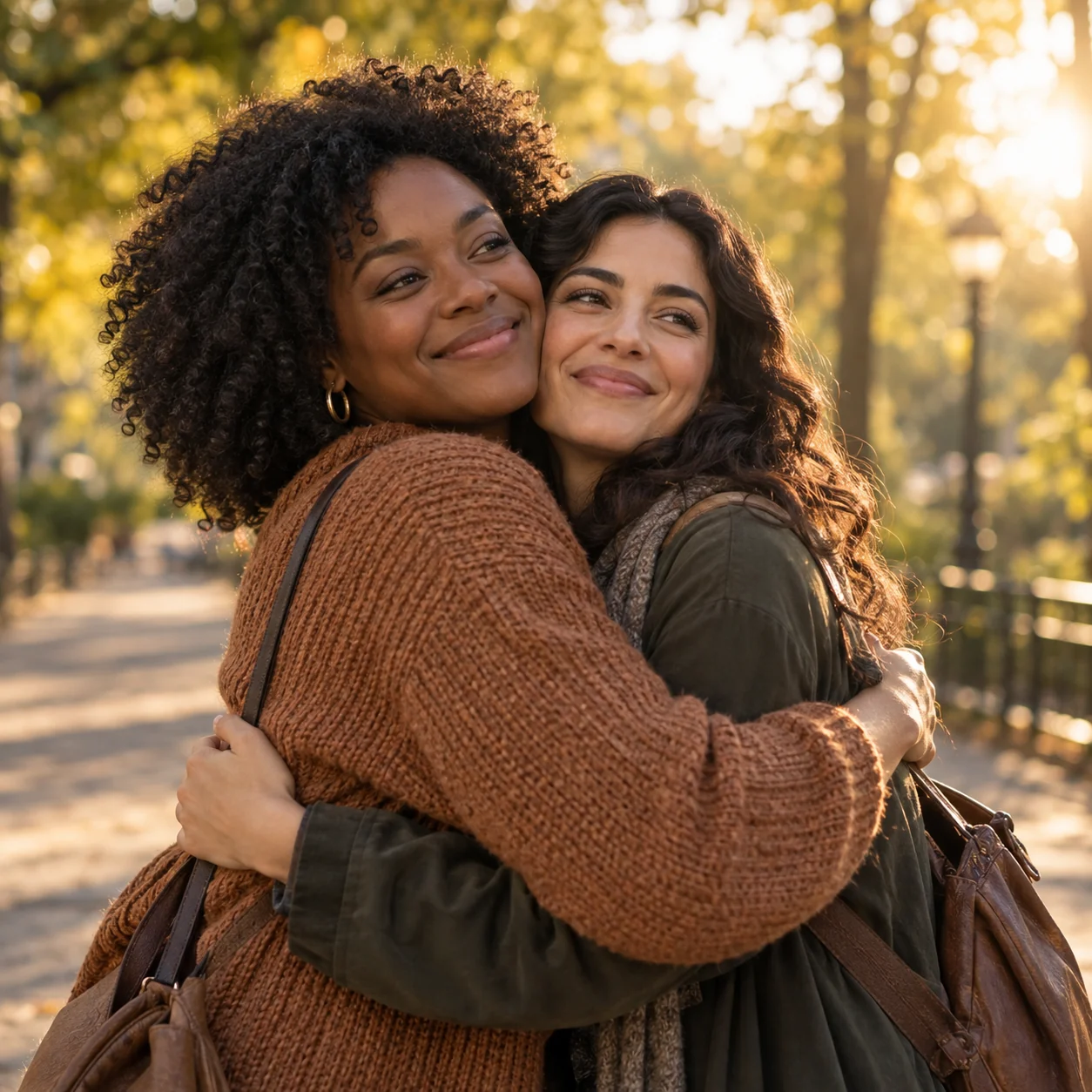
Create a gentle two-person hug video from two adult portraits or one photo of two adults. A sunlit park reunion, 15 seconds, 768P.
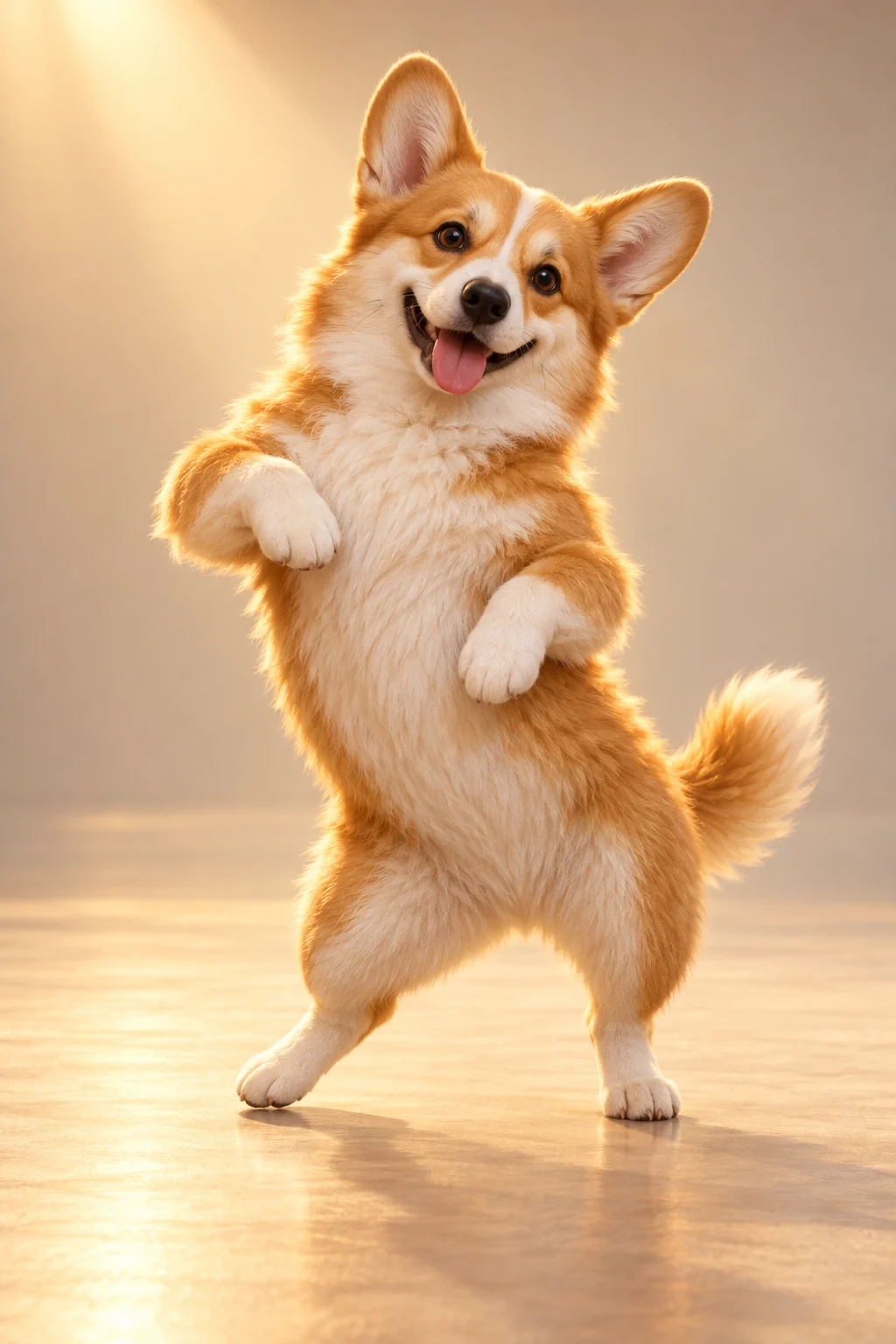
AI Pet Dance Video Generator for Dogs & Cats
Make a 15-second Hip-hop pet dance video from one dog or cat photo. A playful 3D character, small bounces and side-steps, in 768P.
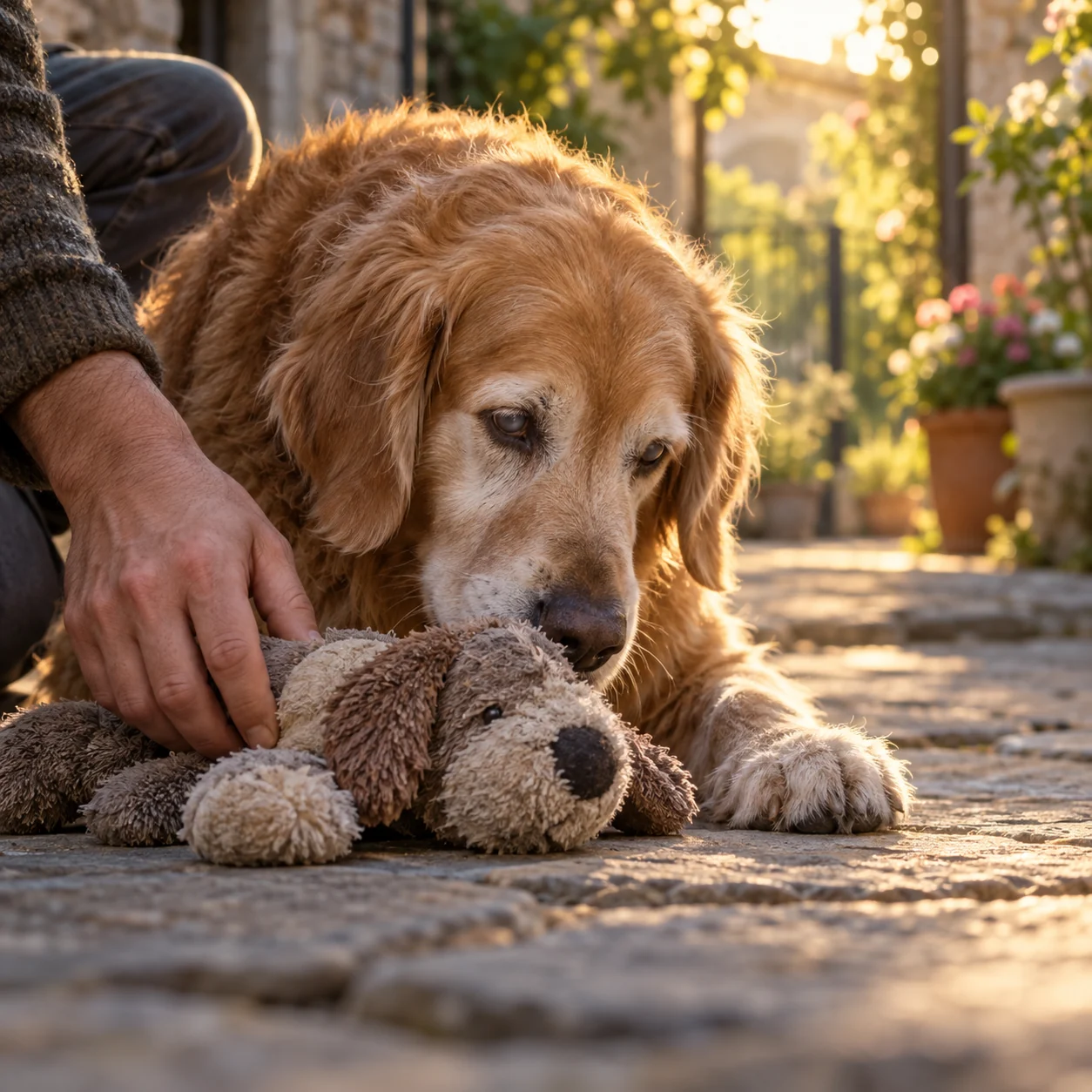
AI Zombie Pet Reunion Video Generator
Create a 15-second pet reunion story from a dog or cat photo, with an optional owner portrait: a familiar toy, a gentle touch and a sunny memory.
From an idea to your own short film.
Bring the right photos. The scene, pacing and sound are already directed.